Manufacturer Guides & Troubleshooting
HELP & ADVICE
Find the right guide for your smoke alarm.
Choose your brand below for the manufacturer's testing, cleaning and troubleshooting instructions. Keep your model number handy, as steps can differ between alarms.
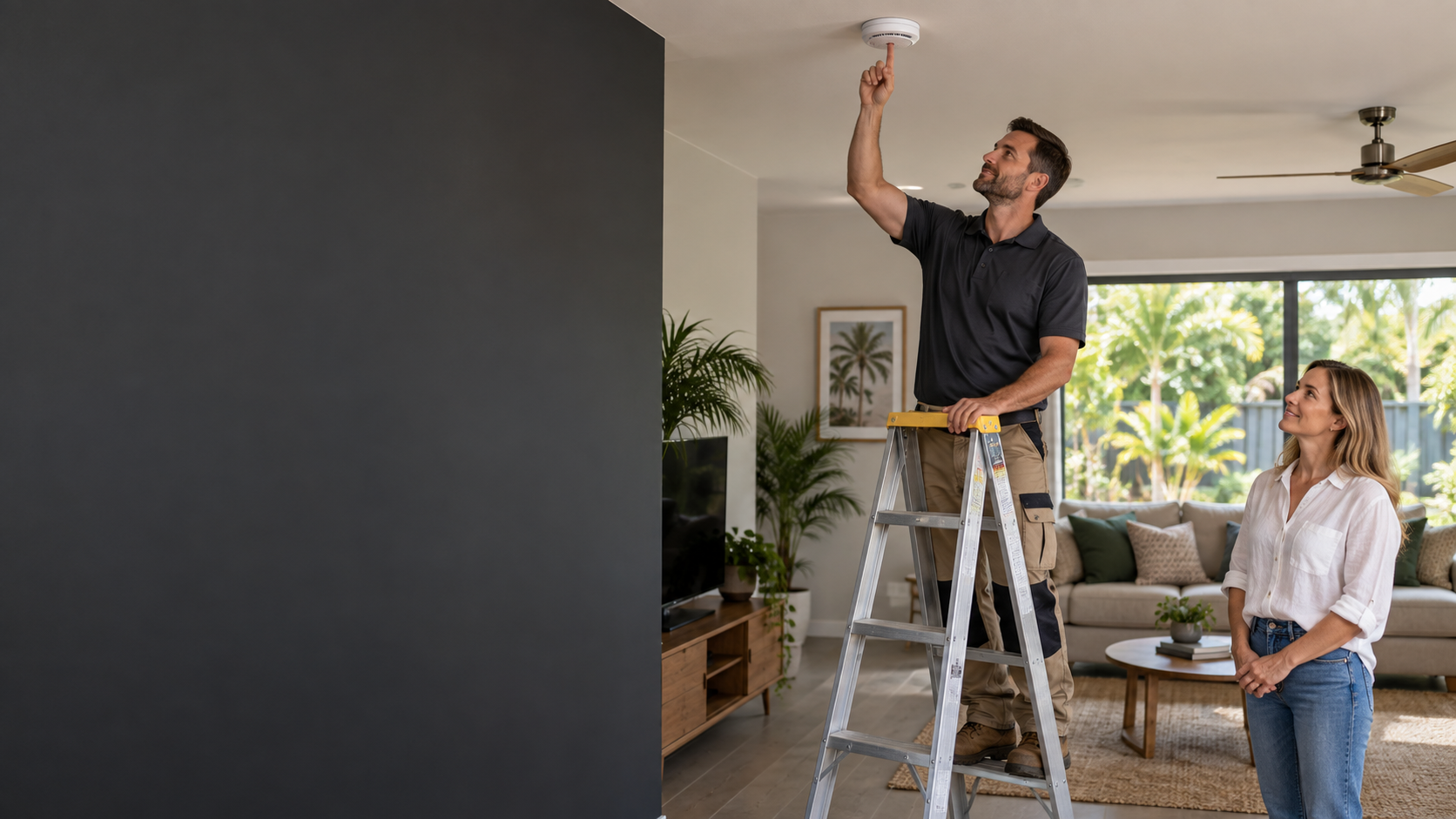
Check the brand and model on the alarm. Follow the instructions for that model and do not disconnect or interfere with a hardwired alarm. If an alarm is sounding and you suspect a fire, leave the property and call 000.
Choose your manufacturer
These links open guidance from the manufacturers. If the model is unclear or the issue continues, contact our team.
RED & EMERALD
Maintenance & troubleshooting
Testing, cleaning, batteries and unexpected alarms.
OPEN GUIDE (PDF) →BROOKS
Smoke alarm FAQs
Answers to common questions about testing, cleaning and use.
VIEW BROOKS HELP →CAVIUS
Support & troubleshooting
Find care tips, troubleshooting advice and model-specific user guides.
VIEW CAVIUS SUPPORT →MATELEC
Smoke alarm support
Find the troubleshooting guide for the model printed on your alarm.
VIEW MATELEC SUPPORT →TRADER
Manuals & downloads
Find the manual that matches your alarm's model number.
VIEW TRADER DOWNLOADS →Still need a hand?
Tell us the brand, model and what the alarm is doing. We can help you work out whether it needs servicing or replacement. For Queensland installation rules, see our Queensland smoke alarm requirements page.
CALL (07) 4795 7418CONTACT OUR TEAM →